Console Overview
Written By Hudson from ERS
Last updated 9 months ago
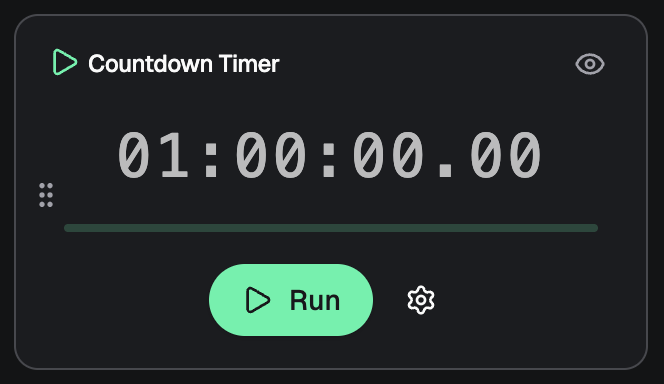
Countdown Timer
The timer tracks game time and supports multiple modes.
Basic Controls
Start/Pause/Resume: Control the timer during gameplay
Reset: Return to the initial time
Adjust Time: Add or subtract time manually
Timer Settings
Custom Duration: Set 30, 45, 60, 90, or 120 minutes, or a custom time
Display Options:
Show/hide hours
Show/hide milliseconds
Adjust size (small, medium, large)
Never-Ending Mode: Automatically adds time when it reaches a threshold
Sound Alerts: Enable/disable timer sounds
Advanced Features
Custom Time Adjustments: Save quick adjustments (e.g., "+5 minutes", "-2 minutes")
Progress Tracking: Visual progress indicator
Auto-restart: Option to restart automatically when time runs out
Active Players
Track and manage the number of players in the game.
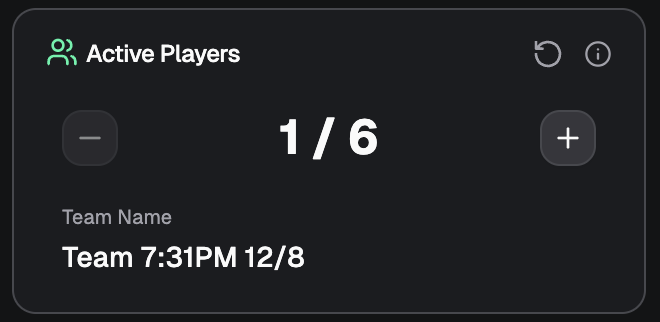
Player Counter: Increment/decrement buttons (1–99)
Team Name: Edit the team name displayed on the Live Window
Capacity Warning: Visual warning if players exceed room capacity
Reset: Quickly reset to 1 player
Use Cases
Track actual attendance vs. booked players
Update team name for personalized displays
Monitor capacity for safety and experience
Clues Available
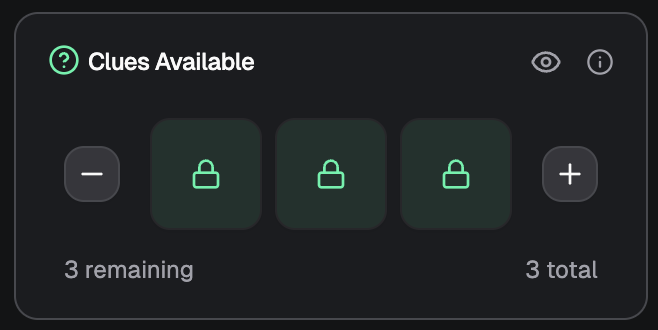
Manage clue inventory and track usage.
Features:
Visual Clue Display: See available clues as individual items
Clue Management:
Add clues (up to 9)
Remove unused clues
Toggle individual clues on/off
Usage Tracking: See remaining clues (available - used)
Visibility Toggle: Show/hide clues from the Live Window
Auto-Deduction: Clues are automatically deducted when sent
How It Works:
Each puzzle can have multiple clues
Sending a clue reduces the available count
Undo feature allows reversing clue sends
Clue states persist across sessions
Sound FX
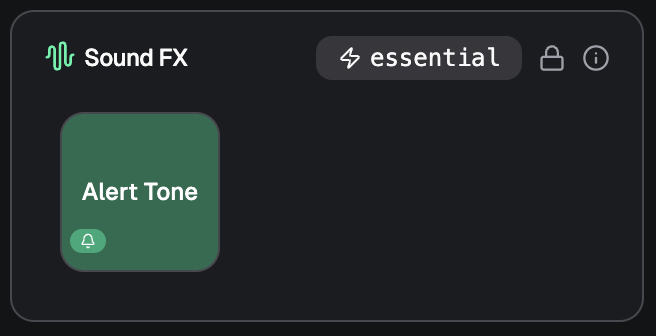
Add sound effects to enhance gameplay.
Features:
Sound Pads: Create custom sound effect pads
Pre-loaded Sounds: Access built-in sound effects
Upload Custom Sounds: Upload your own audio files
Volume Control: Individual and master volume controls
Playback Controls: Play, pause, stop, loop
Categories: Organize sounds by type (alerts, ambient, etc.)
Sound Pad Management:
Create multiple sound pads per room
Assign sounds to pads for quick access
Drag-and-drop organization
Test sounds before using them in-game
Puzzles and Clues
Manage puzzles and deliver clues to players.
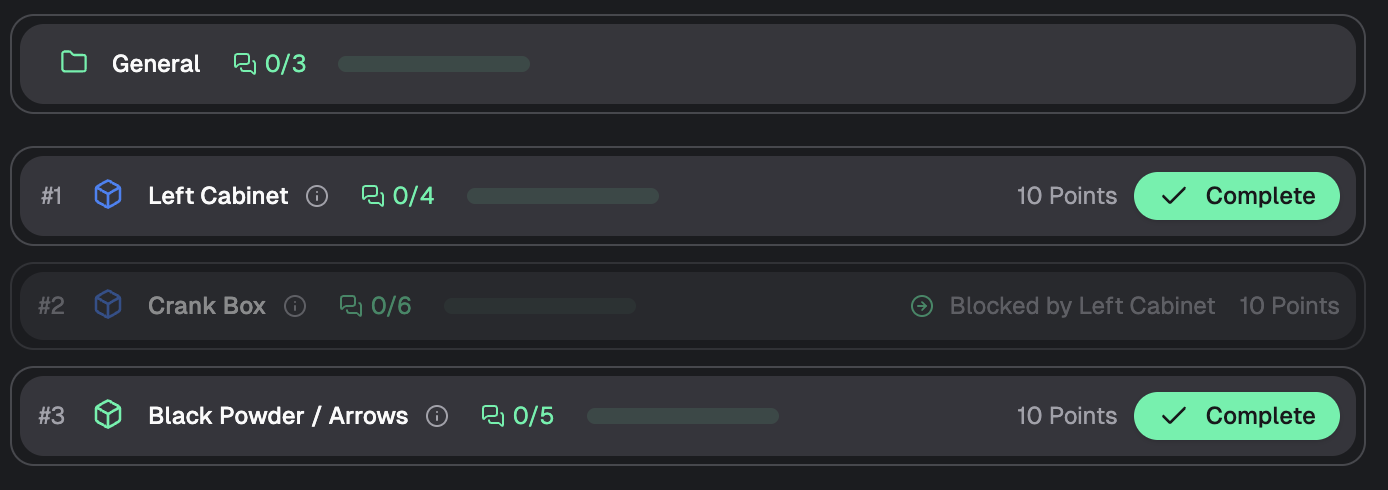
Puzzle Management:
View All Puzzles: See all puzzles in the room
Puzzle Status: Track completion status
Points System: Each puzzle has assigned points
Completion Tracking: Mark puzzles as complete
Clue Delivery:
Send Clues: Deliver clues to players via the Live Window
Clue History: See which clues have been sent
Undo Feature: Reverse clue sends if sent by mistake
Clue Text: Preview clue content before sending
Puzzle Statistics:
Points Tracking: Monitor total points available
Completion Rate: See how many puzzles are completed
Clue Usage: Track clues sent per puzzle
Player Chat
Communicate with players in real time.
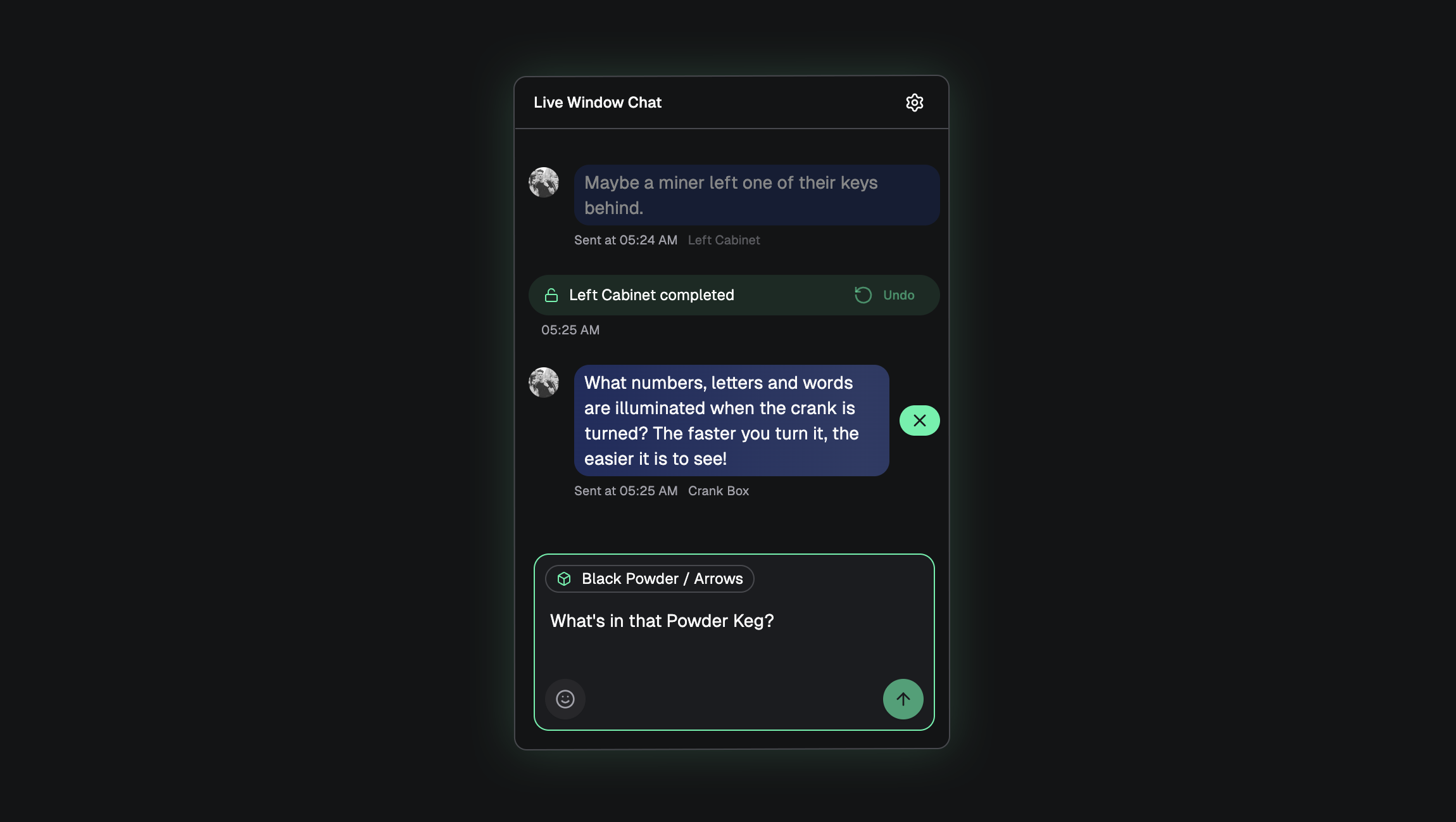
Features:
Real-Time Messaging: Send messages instantly to the Live Window
Message History: View all messages sent during the game
Message Management:
Edit messages
Delete messages
Clear all messages
Use Cases:
Provide hints
Announce time warnings
Give instructions
Celebrate milestones
Game Music
Control background music and ambient audio.
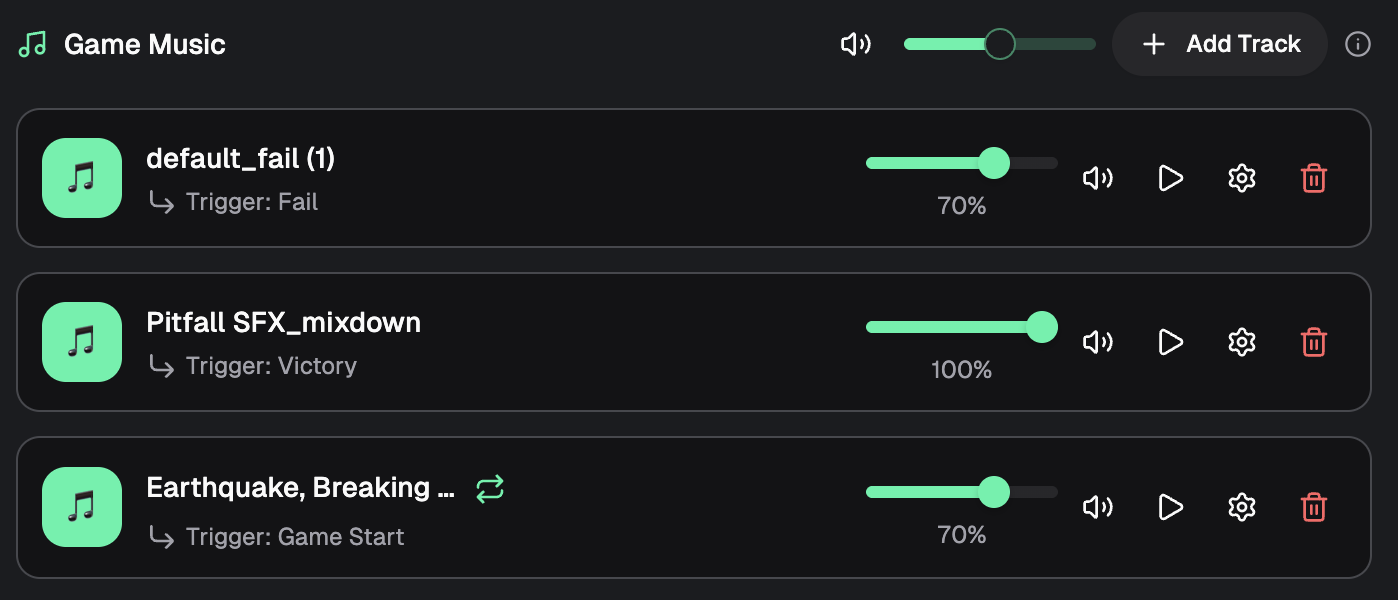
Features:
Music Tracks: Upload and manage multiple music tracks
Playback Controls: Play, pause, stop, loop
Volume Control: Adjust music volume independently
Track Management: Organize tracks by category
Auto-Play: Set tracks to play automatically at specific times
Track Types:
Background Music: Ambient tracks for atmosphere
Tension Music: Builds suspense
Victory Music: Plays on game completion
Failure Music: Plays when time runs out
Tips:
Upload high-quality audio files
Test volume levels before the game
Use time-based triggers for automatic playback
Balance music volume with sound effects
Game Videos
Display videos to players on the Live Window.
Features:
Video Upload: Upload video files
Playback Controls: Play, pause, stop, seek
Volume Control: Adjust video volume
Full-Screen Mode: Display videos full-screen
Video Library: Manage multiple videos per room
Video Management:
Upload videos before the game
Organize videos by purpose (intro, hints, endings)
Control playback during gameplay
Sync videos with game events
Use Cases:
Room introduction videos
Hint videos
Celebration videos
Ending videos (success/failure)
Tips:
Optimize video file sizes for faster loading
Test video playback before the game
Leaderboard
View and compare game performance across all sessions.
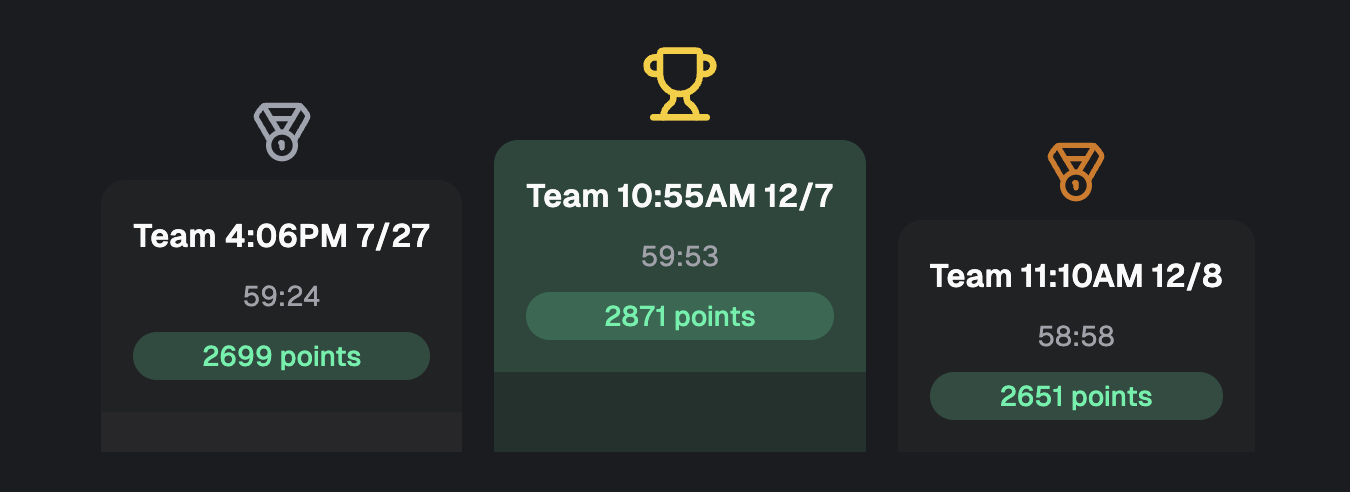
Features:
Score Rankings: Teams ranked by total score
Score Calculation: Based on:
Points earned from puzzles
Time remaining bonus
Clue efficiency bonus
Team size multiplier
Speed completion bonus
Top Performers: Highlight top 3 teams
Detailed Stats: View comprehensive statistics for each game
Pagination: Navigate through multiple pages of results
Score Components:
Base Points: Points earned from completed puzzles minus penalties
Time Bonus: Bonus for finishing with time remaining
Efficiency Bonus: Bonus for using fewer clues
Speed Bonus: Bonus for faster completion
Team Size Multiplier: Adjusted scoring based on team size